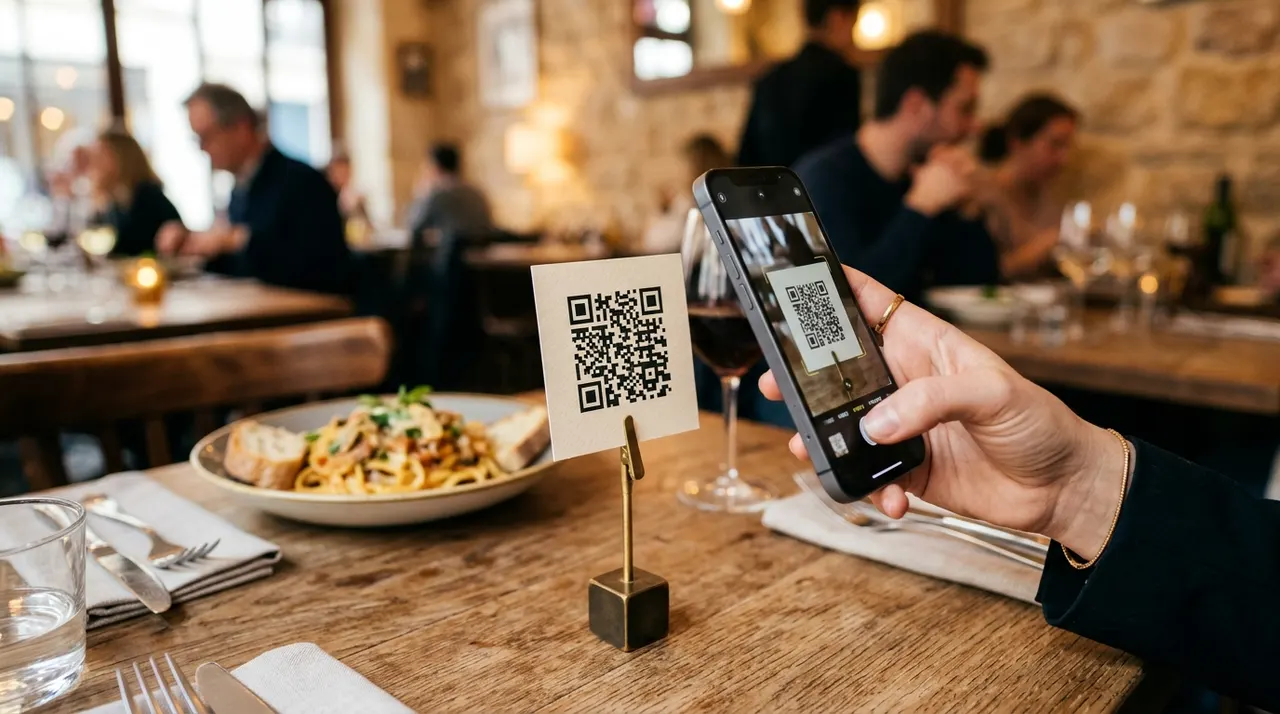
A table QR code gives guests a route to your online menu. This generator creates the image from your menu's public address; it does not host dishes, manage orders or publish price changes. Prepare the destination, check guest access and test the finished card before putting it on tables.
What a restaurant QR code is and how it works
A restaurant QR code is a printed pattern that holds the web address of your menu. It does not store the menu itself, only the link. When a guest points a phone camera at it, the phone reads that address and opens it in the browser, exactly as if they had typed the link by hand. The menu then lives on their screen, easy to scroll, zoom, and read.
If you control the destination, you can update the menu at that address while preserving the printed code. Verify that changes are published and visible to guests; caching or access settings can leave an old or inaccessible version in place. Our guide to updating a menu without reprinting explains that workflow. If a scan opens a login or request-access screen, use the menu-access checklist.
Use dark modules on a light background, keep the clear border and start with a small logo. Error correction does not guarantee a damaged or decorated code will scan. Download PNG, SVG or JPEG. Scan the actual printed size on more than one phone and confirm the destination. SVG stays sharp when resized, but a code can still be too small to read.
Where restaurants put the code
The table is the obvious home, but the same code, or a close variation, works across the whole venue.
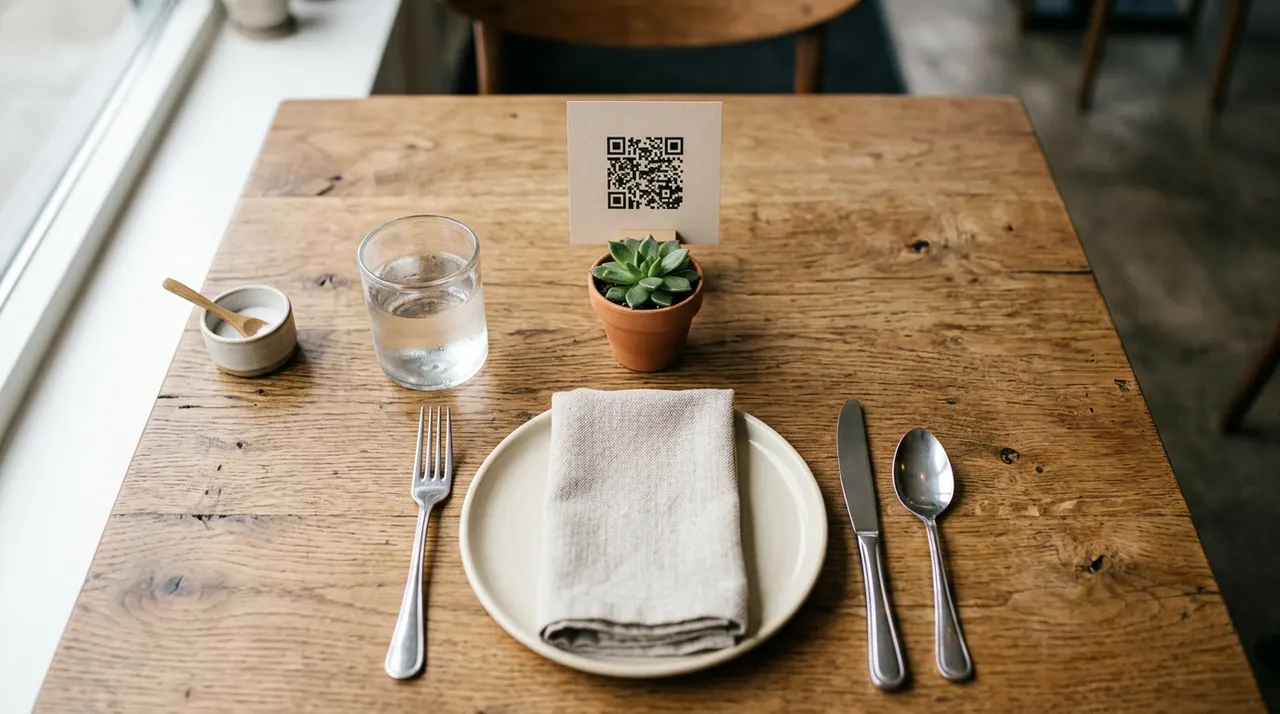
- Table tents and stickers. The core placement. One code per table sends guests straight to the menu the moment they sit down, so they browse without waiting for a printed card.
- Window and door signs. A larger code on the window lets passers-by check the menu and prices before they decide to come in. It works after hours too, when the door is locked but the curiosity is not.
- Counter and takeaway. At a cafe or quick-service counter, a code by the till can let guests read the menu while they wait.
- Receipts and flyers. A code on a receipt or takeaway flyer can point to a maintained online ordering page for a later visit.
- Table ordering. With a per-table code, guests can order and sometimes pay from their phones. Each table's code carries its own link so the kitchen knows where the food goes.
How to create your restaurant QR code
Everything happens in the generator at the top of this page, with no account and no watermark. First, make sure your menu has a web address. That can be a menu page on your website, a hosted PDF, an online ordering page, or a page from a menu service. Whatever it is, copy the link.
Paste that link into the field above, then continue to the design step to preview and customise the code before downloading. Do not skip the test: scan your own code with a phone and confirm it opens the right menu, and that the menu actually reads well on a small screen. A menu designed for a desktop monitor can be painful to pinch and zoom at a table, so check the mobile view now.
Once it works, download a PNG for screens or an SVG for print. SVG is vector based, so it stays sharp whether you print it on a small table sticker or a large window sign. Both formats are free and carry no watermark.
Make the menu itself work on a phone
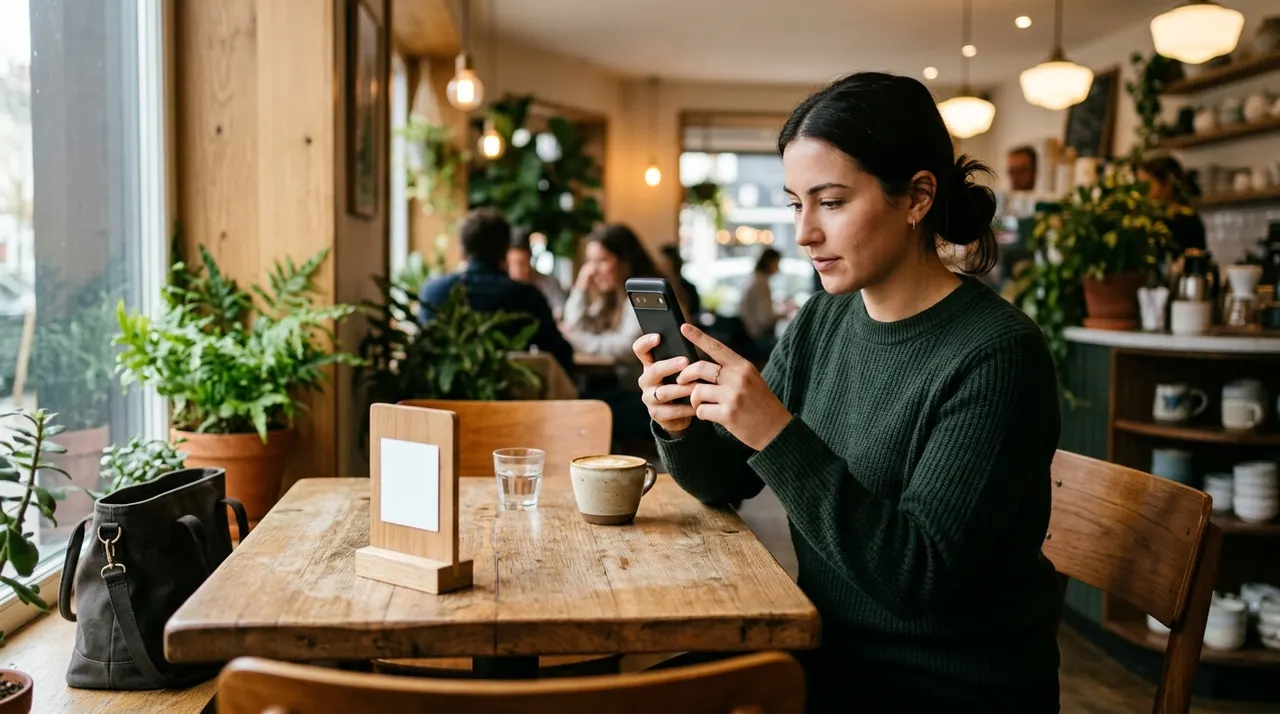
The code is only half the job. The other half is the menu it opens, and a great code in front of a clumsy menu still frustrates guests. A few things make the difference.
- Design for mobile first. Check text and links on a small screen. A PDF designed for paper may require repeated zooming; a responsive page can be easier to read.
- Keep it fast. Compress images and avoid unnecessarily large files. Test loading on a mobile connection as well as venue Wi-Fi.
- Show prices clearly. People scan to decide what to order and what it costs. Make prices easy to find next to each item, not buried in a paragraph.
- Keep it current. Update specials and prices at the source, publish the change, and verify the result through a printed code while signed out.
Static menu link vs dynamic menu
A static code points directly to the supplied address. A dynamic service usually adds an intermediary redirect that its operator can change. Check the service's actual features, costs and terms before choosing.
| Factor | Static menu link | Dynamic menu |
|---|---|---|
| Update prices and dishes without reprinting | Yes, edit the linked page | Yes, edit the linked page |
| Change the destination URL later | No, the link is fixed | Yes, repoint without reprinting |
| Measurement | No scan counter in this generator; destination visits may be measured separately | Service-dependent redirect reports; not necessarily unique people or orders |
| Cost | Generator is free; destination hosting may have costs | Depends on the service and plan |
| Reliability over time | Pattern has no expiry timer; destination and hosting must remain available | Redirect service and destination must both remain available |
Choose based on who maintains the destination, whether its address must change and what measurement you need. Neither approach removes the need to check access and keep the menu current.
Design and print tips
A table code is read up close, but a few habits keep it reliable through a busy service.
- Keep strong contrast. Dark modules on a light background read fastest. A code printed in a faint brand colour on a dark tent looks stylish and scans poorly, so test any colour choice first.
- Leave the quiet border. The empty margin around the code is what the camera uses to lock on. Trimming it for a tidier layout is a frequent, avoidable cause of failed scans.
- Size it for the distance. Choose a starting size, then test the actual print from the expected viewing distance. Pattern density, lighting and material affect the result; no single dimension guarantees a scan. See the print-size guide.
- Protect against spills. Laminate table tents or use durable stickers, and favour a matte finish. Glare from glossy lamination under restaurant lighting is a quiet scan killer.
- Add a short prompt. A line like "Scan to view our menu" tells guests what the code does, so they reach for their phone instead of waiting for a server.
Common mistakes to avoid
Most problems come from the menu and the setup, not from the code.
- A menu that fights the phone. Check that guests can read the menu and use its links on a small screen before printing the code.
- Printing before testing. A wrong link or a slow page only shows up on a real scan. Always run one live test from a phone, then print in quantity.
- A link that will change. Static codes point at one fixed address. If you move the menu to a new URL later, the printed code goes stale. Keep the address stable and edit the menu at that location instead.
- Low contrast or no margin. Pale codes, or codes cropped to the edge, are the usual reason a scan stalls under dim dining lighting.
- No backup for guests who do not scan. Keep a few printed menus on hand. Not every guest wants to use a phone at dinner, and good service means nobody is stuck.
Paste your public menu link into the generator above, preview the design and download the image. Test a sample of the finished print and the page it opens before ordering more. Recheck after menu or hosting changes. Want a different kind of code for your Wi-Fi or a contact card instead? Start from the home page or browse every option on the QR code types page.
How it works
- 1
Add your content
Fill in the details, then continue to the design preview.
- 2
Choose a readable design
Use dark modules on a light background, keep the clear border and start with a small logo. Error correction does not guarantee a damaged or decorated code will scan.
- 3
Export and test
Download PNG, SVG or JPEG. Scan the actual printed size on more than one phone and confirm the destination. SVG stays sharp when resized, but a code can still be too small to read.
Frequently asked questions
How do I make a QR code for my restaurant menu?+
Fill in the details, then continue to the design preview. Use dark modules on a light background, keep the clear border and start with a small logo. Error correction does not guarantee a damaged or decorated code will scan. Download PNG, SVG or JPEG. Scan the actual printed size on more than one phone and confirm the destination. SVG stays sharp when resized, but a code can still be too small to read.
What does the restaurant QR code actually store?+
It stores one thing: the web address of your menu. The code does not hold the menu itself, only the link. When a guest scans it, the phone reads that address and opens it in the browser, exactly as if they had typed it. Because the menu lives at the link, you can update prices and dishes there while preserving the printed code, provided that address remains available.
Is the QR code for my restaurant free, and does it expire?+
It is free here, with no watermark and no sign-up. Because it is a static code, the link is baked directly into the pattern rather than routed through a server, so it never expires and there is no monthly fee. It keeps working as long as the menu page behind the link stays online.
Can I update the menu without reprinting the code?+
Yes, and this is the main reason restaurants love it. The code points at a fixed web address. Keep that address and publish the revised menu there. Then check a printed card while signed out. Caching, permissions or an unpublished change can prevent guests from seeing the latest version.
Do guests need to download an app to see the menu?+
This generator does not require guests to install its own app. A phone still needs a compatible QR reader and a way to open the destination. Test the menu service you choose: it may impose its own login or app requirements. Keep another way to read the menu available.
Should every table have its own code, or one code for all?+
For browsing the menu, one identical code works on every table. For a QR code ordering system where staff need to know which table placed an order, you give each table a slightly different link that includes the table number, so each table gets its own code. Most table-ordering services generate these per-table links for you.
How big should I print the code on a table tent?+
There is no size that guarantees a scan. The encoded address, pattern density, viewing distance, lighting and material all matter. Keep a clear border and test the finished print at the distance guests will use it.
Will it work for every guest's phone?+
No single QR design or destination works on every device. Camera support, connectivity and access to the menu can differ. Test representative phones and keep current printed menus or staff assistance available.
What is the difference between a static menu link and a dynamic menu?+
A static menu link is baked into the code, so the code points at one fixed web address that never changes, while you edit the menu page at that address whenever you like. A dynamic menu routes the scan through a service that lets you swap the destination later and often tracks scans, depending on the service and plan. A static code paired with a maintained web page can support menu updates, but website hosting has its own costs.
Should I use a PDF menu or a web-page menu behind the code?+
A responsive webpage can be easier to read on a phone than a PDF laid out for a large printed sheet. Either format still needs a readable design, public access and testing. Choose the version you can keep accurate and accessible, and offer a printed alternative.
Can the QR code support online ordering and payment at the table?+
Yes, if the link behind it points to an ordering or payment page. With a per-table code, each table carries its own link that tells the kitchen where the order goes, and many table-ordering services add payment in the same flow. Guests scan, browse, order, and pay from their seats without flagging down a server.
How many menu QR codes do I need for my restaurant?+
For simple menu viewing, one identical code printed on every table tent is enough, since they all open the same menu. If you run table ordering, you need a unique code per table so the kitchen can match each order to a seat. Most venues also add a few larger codes for windows, the counter, and takeaway flyers.